Art On The Farm Camp
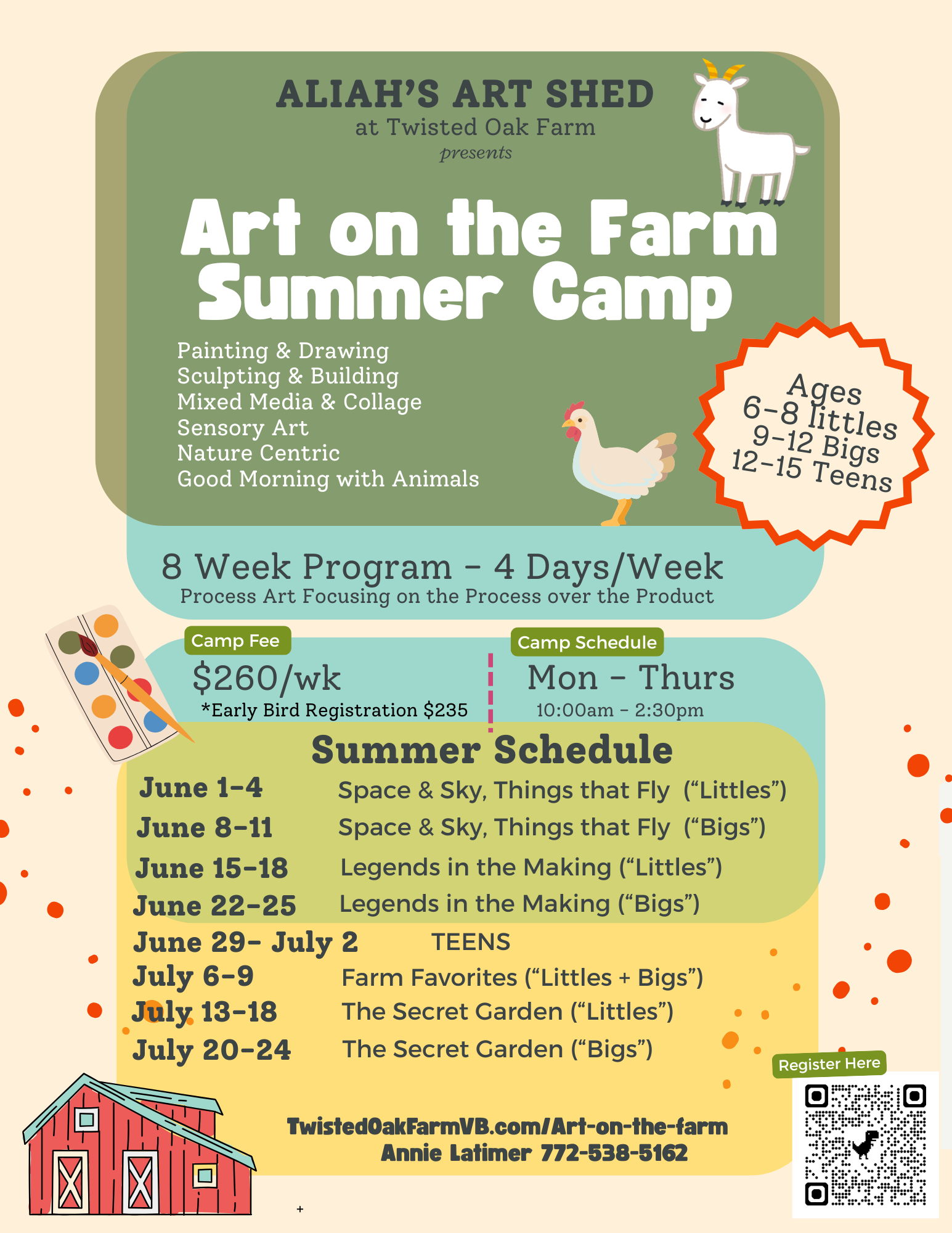
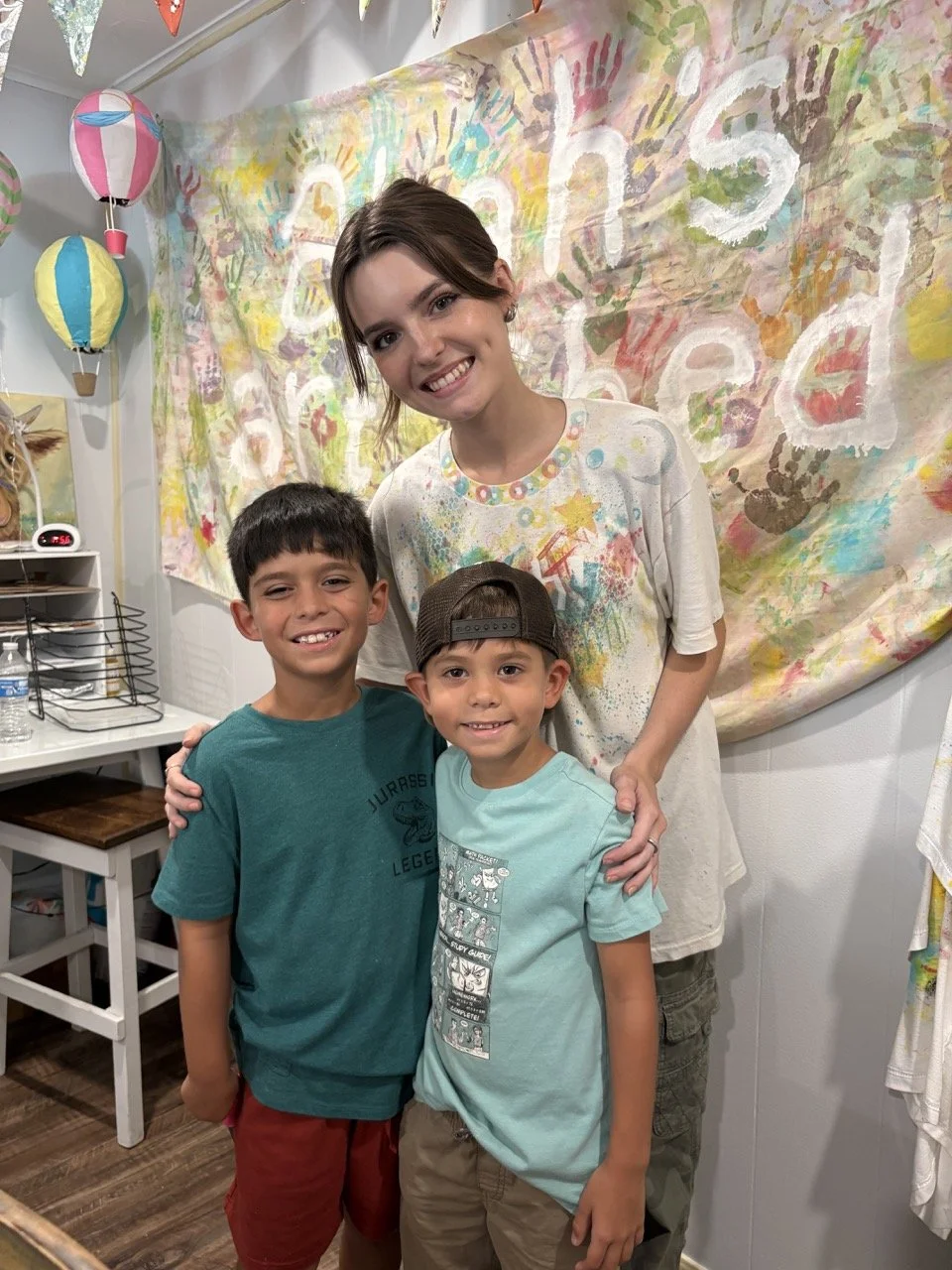
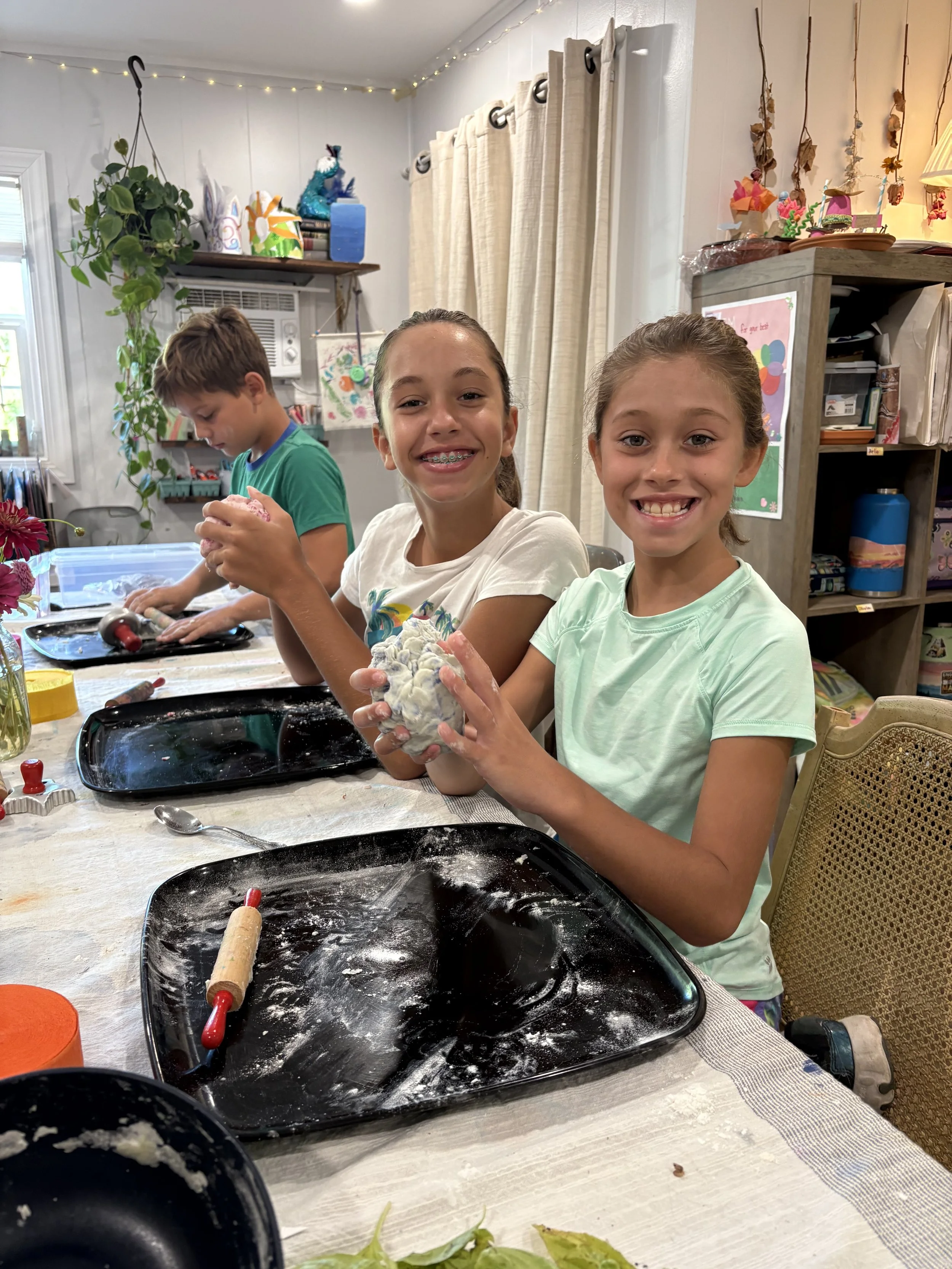
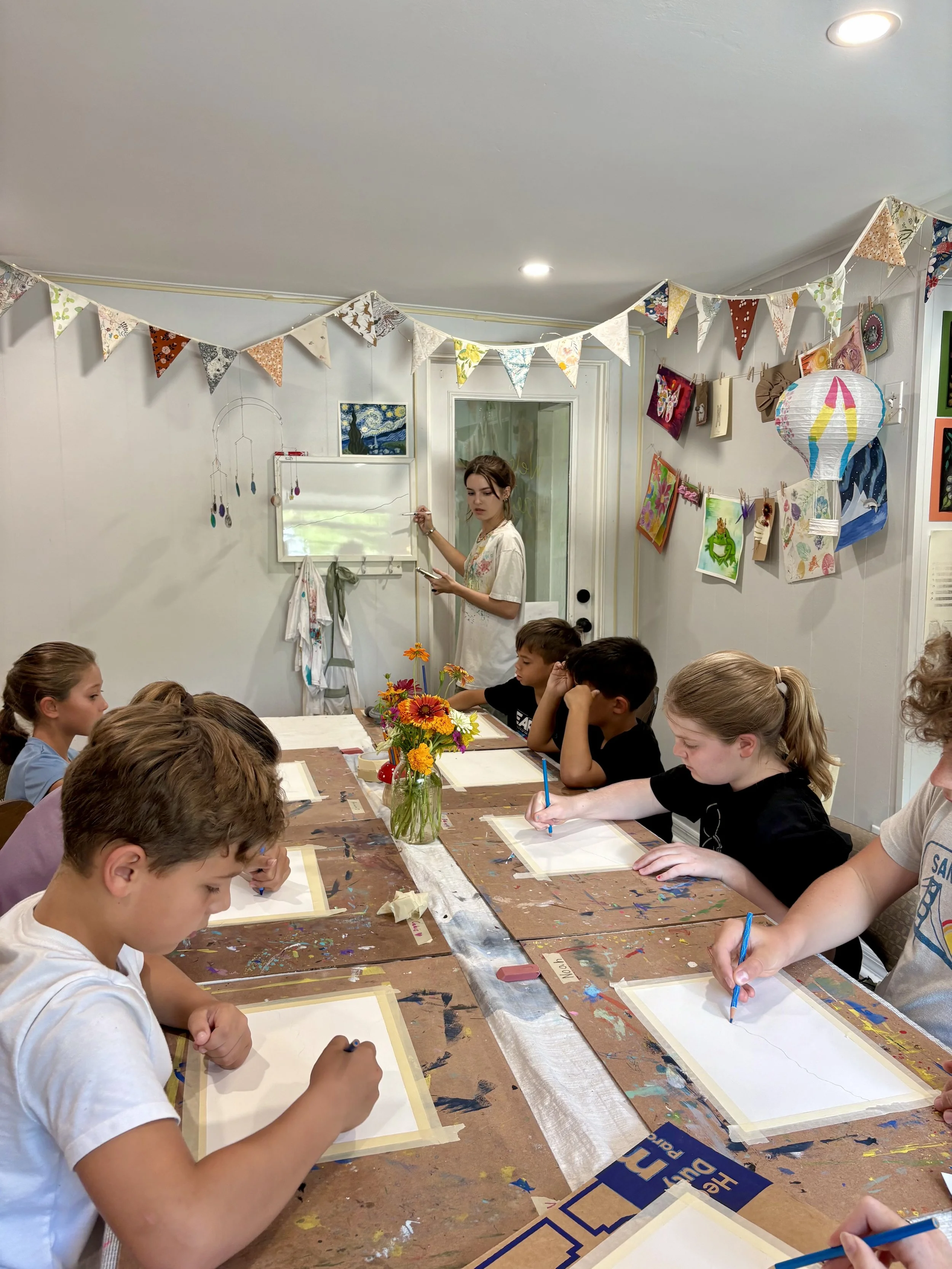
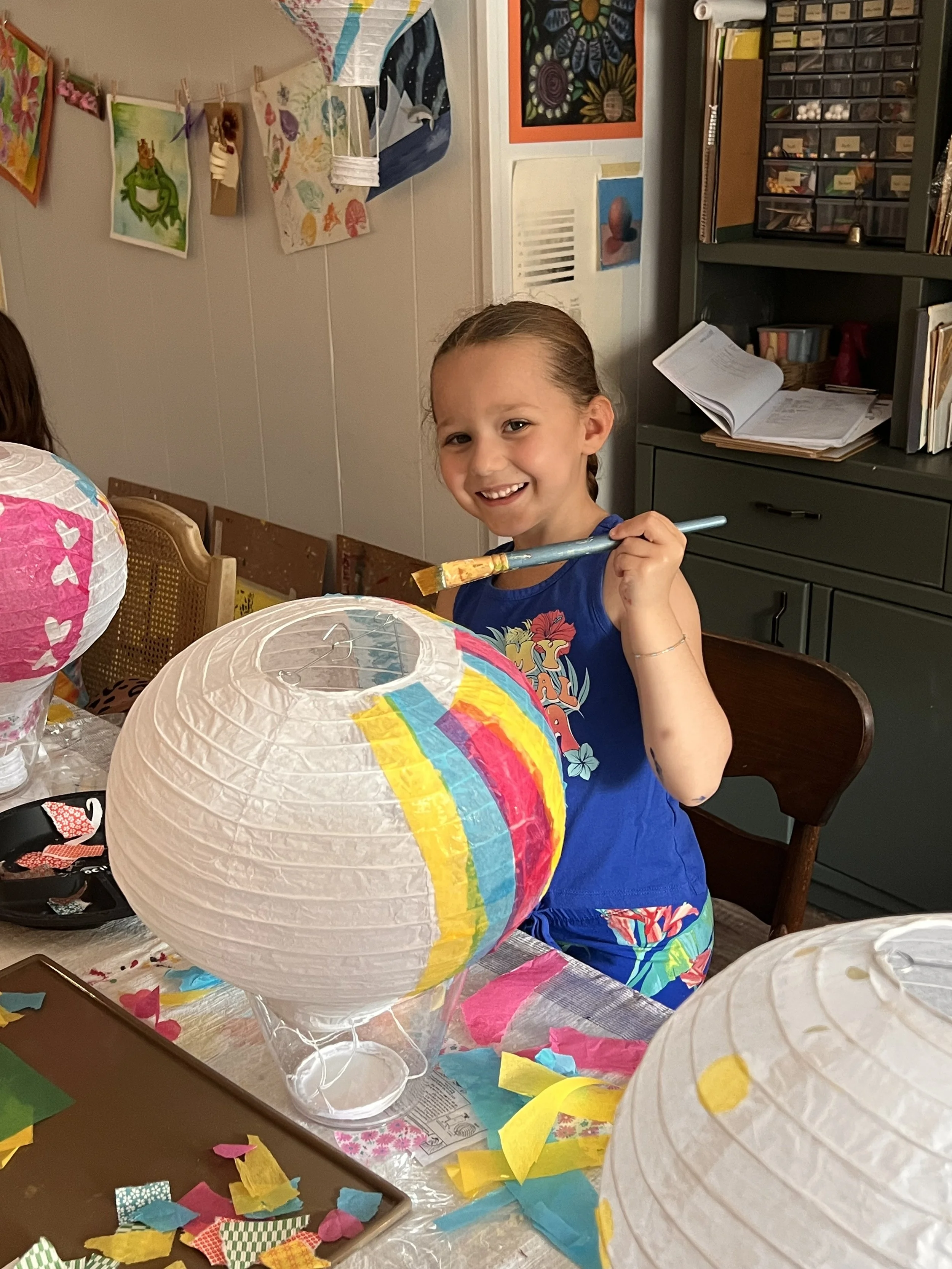
Aliah’s Art Shed at Twisted Oak Farm is offering it’s second year of Art Camp in Vero Beach where kids can get messy, explore new art projects, and be inspired by nature here on the farm. We will be painting, sculpting, crafting, and having a blast…alongside our adorable barnyard friends. The small group setting on a private farm makes this a really unique experience.
2026 Summer Camps @ Aliah’s Art Shed
Looking for a fun and unique way to keep your little artist engaged this summer?
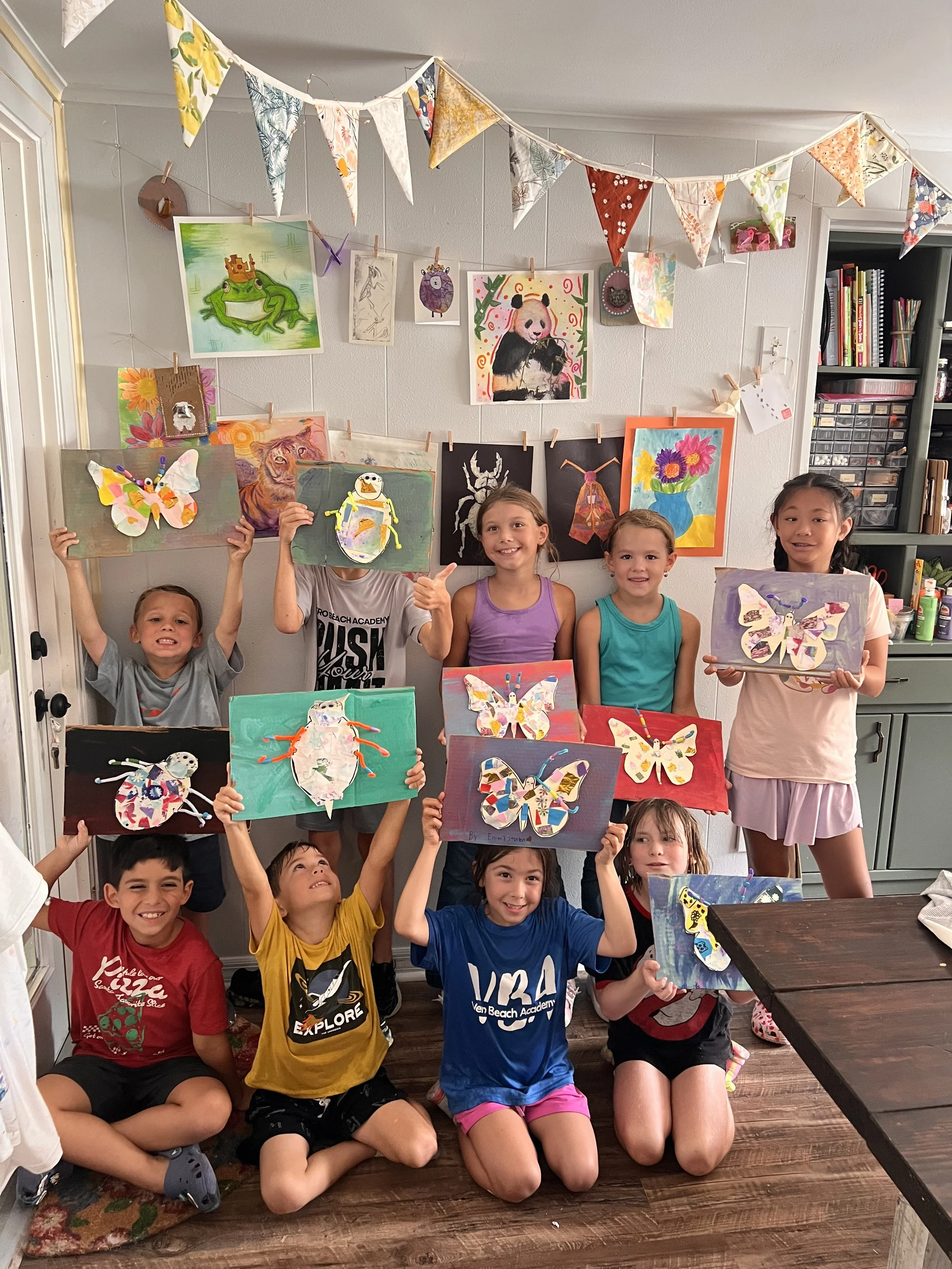
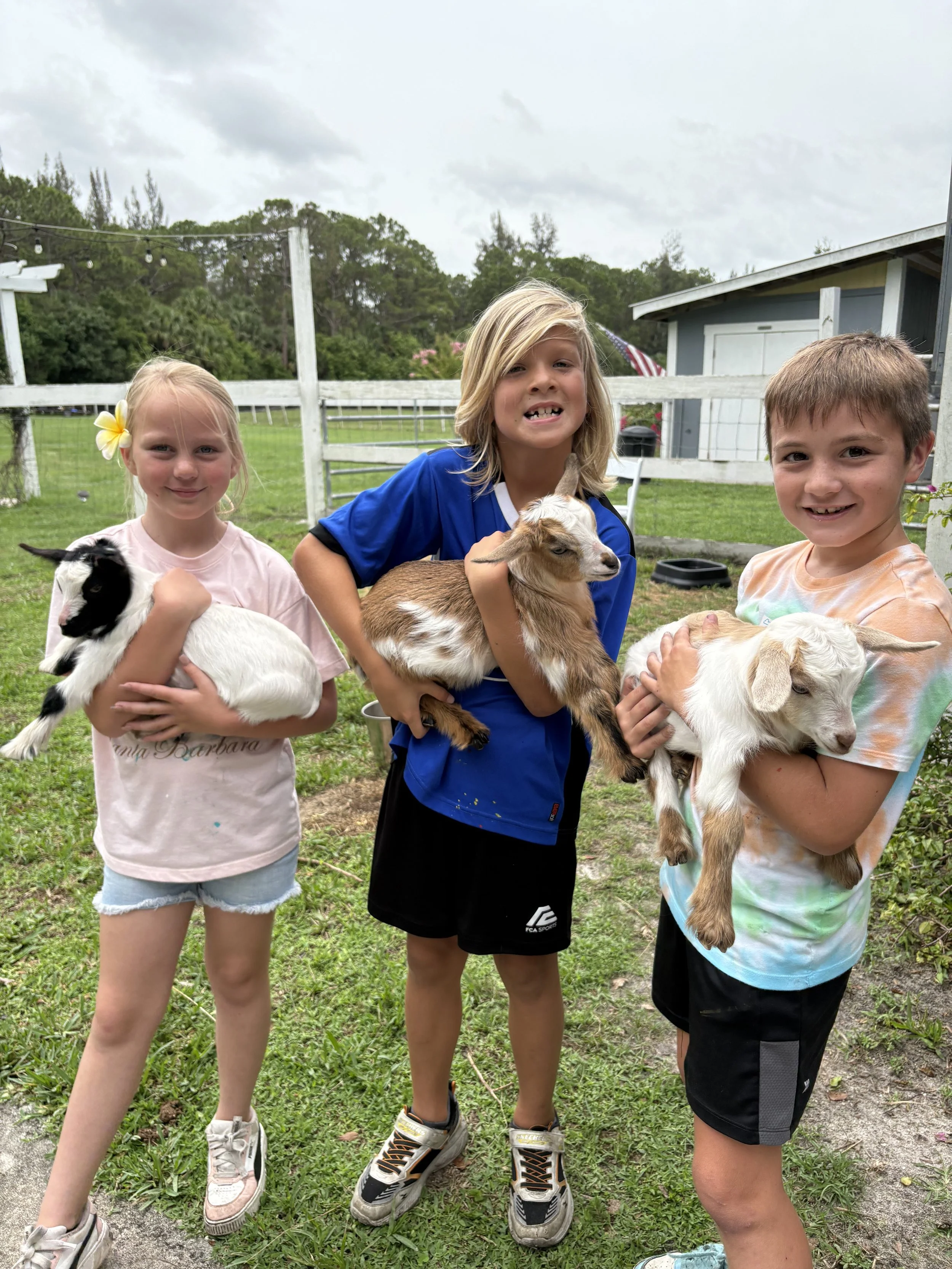
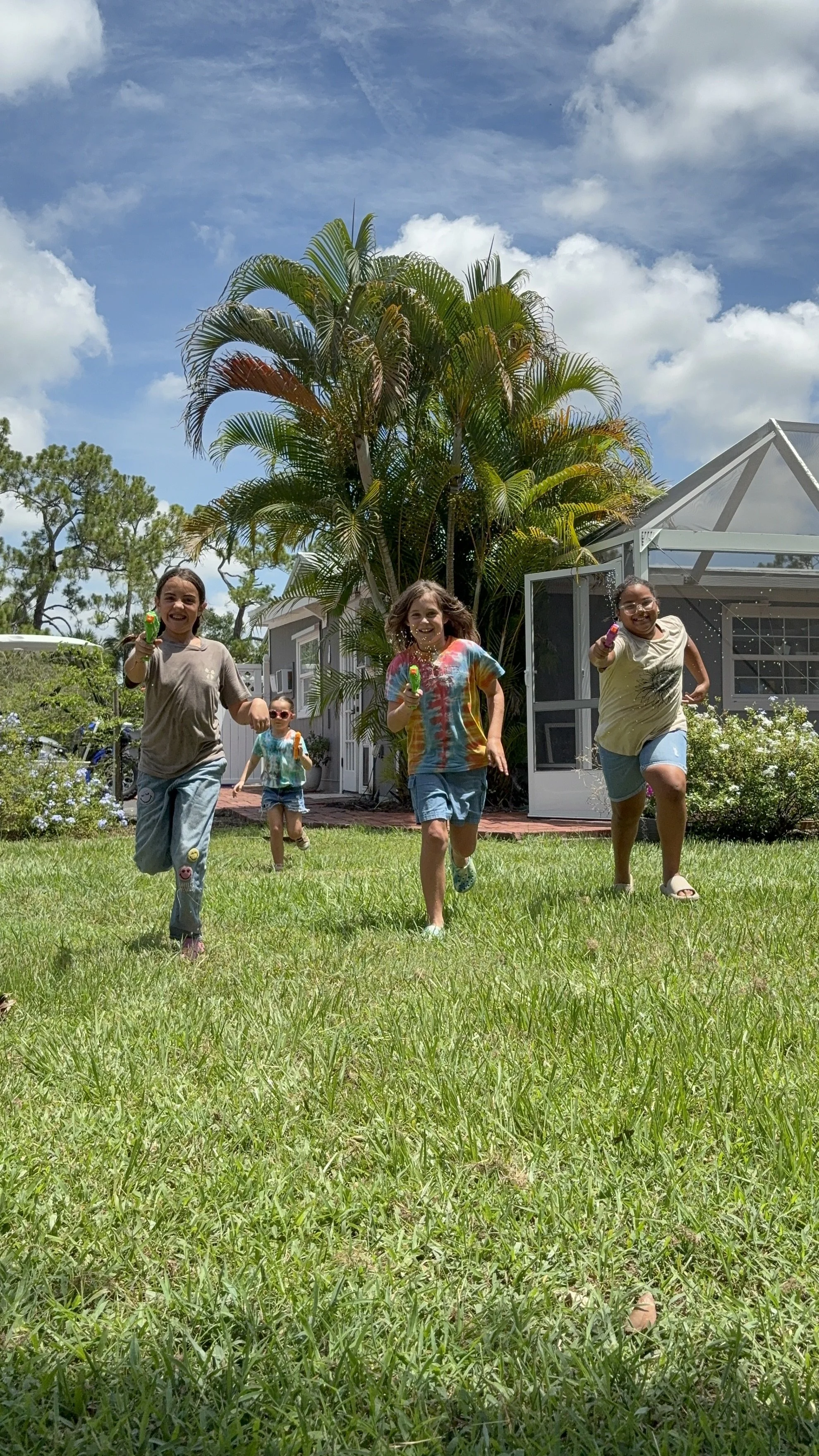
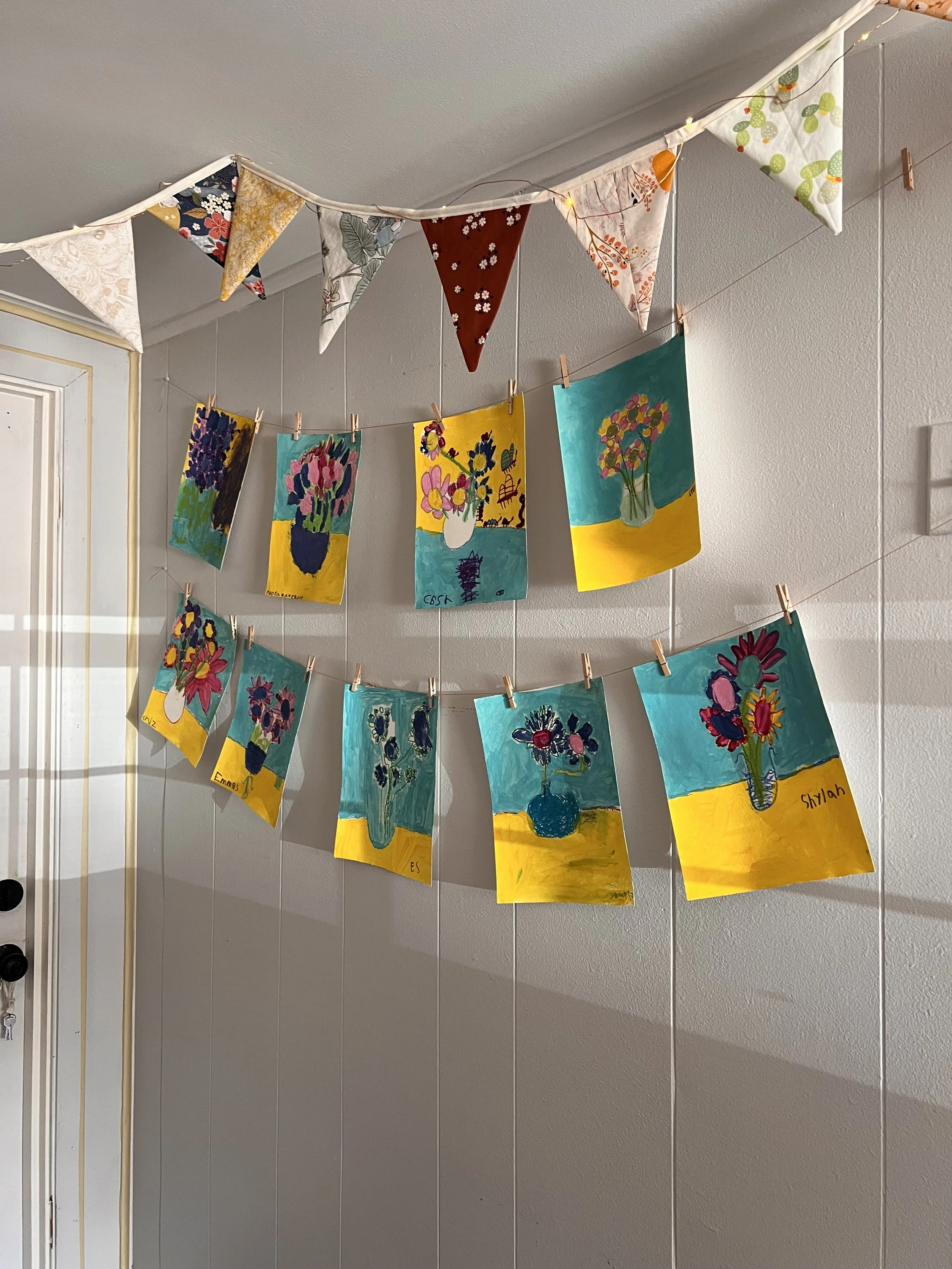
Aliah’s Art Shed at Twisted Oak Farm is offering it’s second year of Art Camp in Vero Beach where kids can get messy, explore new art projects, and be inspired by nature here on the farm. We will be painting, sculpting, crafting, and having a blast…alongside our adorable barnyard friends. We’ll feed the animals in the morning, collect the chicken eggs, and hang out with the baby goats, too! It’s the perfect mix of creativity, fresh air, and good old fashioned fun on the farm. At the end of the week, the children prepare an Art Show for their parents to come see everything they created during the week.
Space is limited to 8-10 children and will fill quickly.
Discounts for Early Bird registration of $25 off (Deadline May 15) and siblings -$25 second child.
For more info, please email art@twistedoakfarmvb.com or text 772-538-5162.
$260/Session M-Th 10-2:30pm Ages 10-13 “Bigs” (bring lunch, snack provided)
$260/Session M-Th 10-2:30pm Ages 6-9 “Littles” (bring lunch, snack provided)
*NEW* Teens Ages 12-15
“My kids had a blast! It was an art camp - which they enjoyed doing all the crafts - but it’s on a farm so they also got to enjoy all the animals (goats, chickens, horse)! The timing was nice (not too early to rush kids out of house) and the class sizes were small (which allowed them to give attention to the kiddos during art lessons). My kids are excited to go again next year!” - Katherine
“My son had such a wonderful time at Aliah’s Art Shed summer camp! Every day he came home excited to tell me about the unique art projects he made — so creative and unlike anything he’s done in other camps. He also loved getting to spend time with the animals on the farm, which made the experience even more special. The setting is beautiful, and Aliah clearly puts so much thought and care into making it both fun and enriching for the kids. Highly recommend for any child who loves art, nature, and hands-on experiences! -Elyse